mem.ai : The AI Note App That Remembers Everything
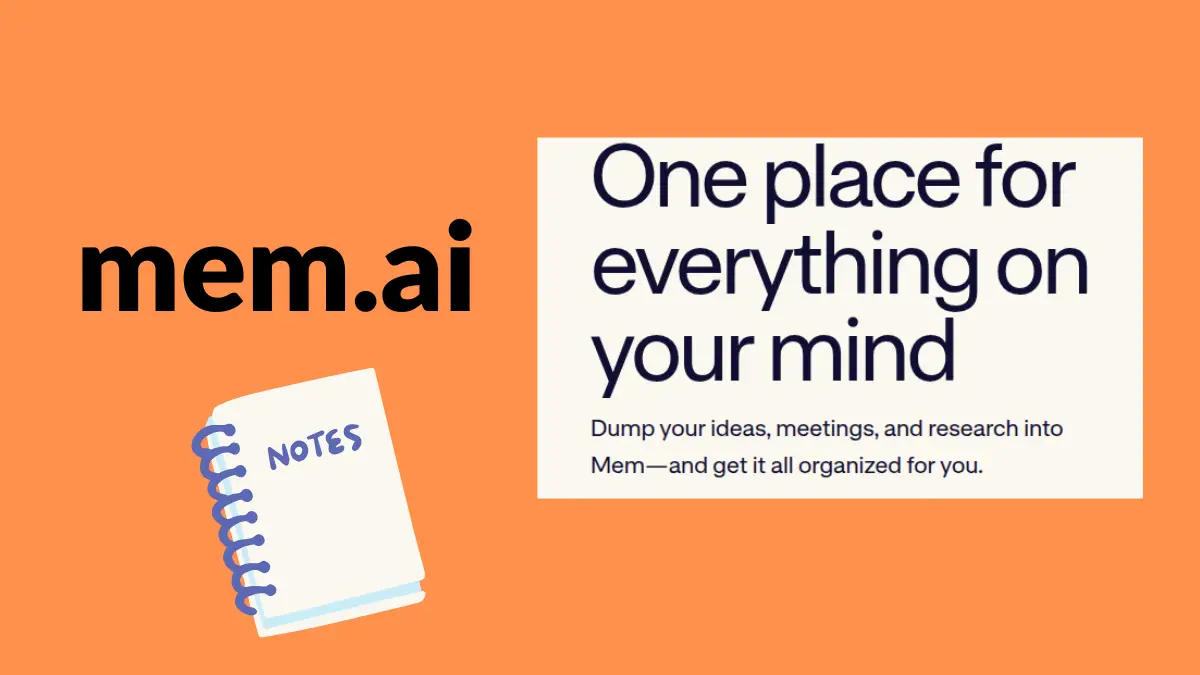
If your notes app is more like a junk drawer notes thrown in to odd folders, meeting summaries hidden under three levels of clicking this Mem.ai review is for you.
mem.ai an AI note-taking app, it simply ignores the question of where to save. Just write. It will remember it and then link all related notes.
I‘ve been playing around with it on a daily basis, and what continues to impress me most isn‘t the features, but how the app reinvents the very habit of recording notes.
What Is Mem.ai? (And Why It‘s Different)
The majority of note apps, are simply digital filing cabinets. They require discipline, folders, tags and system to optimize organization. Mem.ai requires none of those.
Based on a philosophy of “capture now, organize later” minus the “organize later” part?: The AI does the organizing. Mem.ai Automatically Interconnects Your Notes categorizing your notes for related ideas by topic, context and relevance.
It‘s like a smart notes taking app with memory – not just a storage.
My Experience With Mem. Ai‘s Core Features
And here‘s what actually works in practice:
Auto-Connection of Notes and Ideas
Thoughts or notes are moved automatically to another parameter location.
This is the Mem. Ai‘s greatest flex. When I took a one-sentence note about a client project on a Monday and then refreshed my memory on meeting action items a few days later on Thursday, Mem pulled both up the moment I searched for the topic. Tags not required.
Worrying for anyonewho thinks inideas and connections rather than hierarchies:
Meeting Notes Without the Chaos
Mem.ai, is a meeting notes app. You add notes while or after a call, and the app links them together with the existing notes on that client, project or subject. I found this saved a significant chunk of time during weekly check-ins.
No Folders, No Categories Just Write
The no-folders method seems a little risky at first. When you try it out with the search and auto-tagging built into the AI, you find that they substitute in the whole organization level. You think freely, and getting information back turns out to still be quite reliable and frequently superior to systems with manual fillings.
Who is Mem.ai meant for in reality?
Mem.ai works best for specific types of people:
| User Type | Why Mem.ai Fits |
|---|---|
| Founders & PMs | High meeting volume, need fast context recall |
| Writers & Creators | Non-linear thinking, lots of draft ideas |
| Students | Cross-referencing notes from multiple classes |
| Knowledge Workers | Research-heavy, need connected information |
Have I used it most heaviest? An actual working workflow which lets be honest, is where the application really begins to shine. And well…The more you write, the smarter the associations become.
Mem.ai for Productivity: Real-World Use Cases
The app fits naturally into daily workflows:
Morning planning you can drop in your priorities and Mem surfaces relevant context from yesterday‘s notes.
In meetings Emerging solution: jot down Action Items quickly. No need for formatting, app takes care of underlying structure.
Quick ideas recording Whatever comes to your mind, write it down straightaway. There is no need to go in search of theright notebook or filefolder. Just write and carry on.
Research and projects; when you are linking bits of information over the months, Mem puts together bits of knowledge that you would otherwise let grow old in the mayhem of folders
Mem.ai vs Notion Which One Wins?
This is the most common comparison but to be honest, they really solve different problems.
Notion is a collaborative workspace designed for teams, databases, wikis, and full-scale project management. Notion is very robust, but you‘ll need to set it up and run it.
Mem.ai is a some kind of a personal knowledge tool for capture and recall. Setup is near-nonexistent. The AI does all the heavy lifting.
If you work in docs, databases, and team collaboration Notion. If you‘re solo, fast-paced, and overwhelmed with scattered notes Mem.ai is the superior option.
What I‘d Change About Mem.ai
No tool is perfect. A few things worth knowing:
Mem.ai is most effective when you write a lot. If you‘re only adding notes occasionally, it doesn‘t have as many links to autodiscover. And being so heavily invested in this very app, there isn‘t quite yet as much money dollar for dollar in deep integrations into other apps.
For those seeking tight, manual control of their knowledge base, the automatic approach can feel like the loss of control. But for most busy professionals? That is exactly the point.
Is Mem.ai If Yes, Then How?
Short answer: yes if you are a pro, a student, a founder, or a creator taking a lot of notes and hating to organize them.
The AI productivity tool aspect is not just a way to sell more if you include it as a piece of marketing material. In fact, the auto-connection system is a true way to lessen the mental burden of handling information throughout a hectic day.
What I found to be the strongest drivers of productivity increases was not an individual feature, but the aggregation of several features: less time sorting, more time doing what you already have.
Bottom Line
Mem.ai isn‘t trying to compete with Notion or Obsidian. Instead, it‘s working to do something completely different: converting your uninspired notes into a linked, easy to search knowledge center with almost no work from you.
If you‘ve been in a situation where you lost a fantastic idea because no idea where you stored it, you should have a look at Mem.ai. The free tier is sufficient to get a feel for it.
Write more. Organize less. That‘s the entire pitch and, in my experience, it‘s true.
Read more: Can You Actually Have a Conversation with AI? Here’s What I Found