Wispr Flow : The AI Voice Tool That Types for You
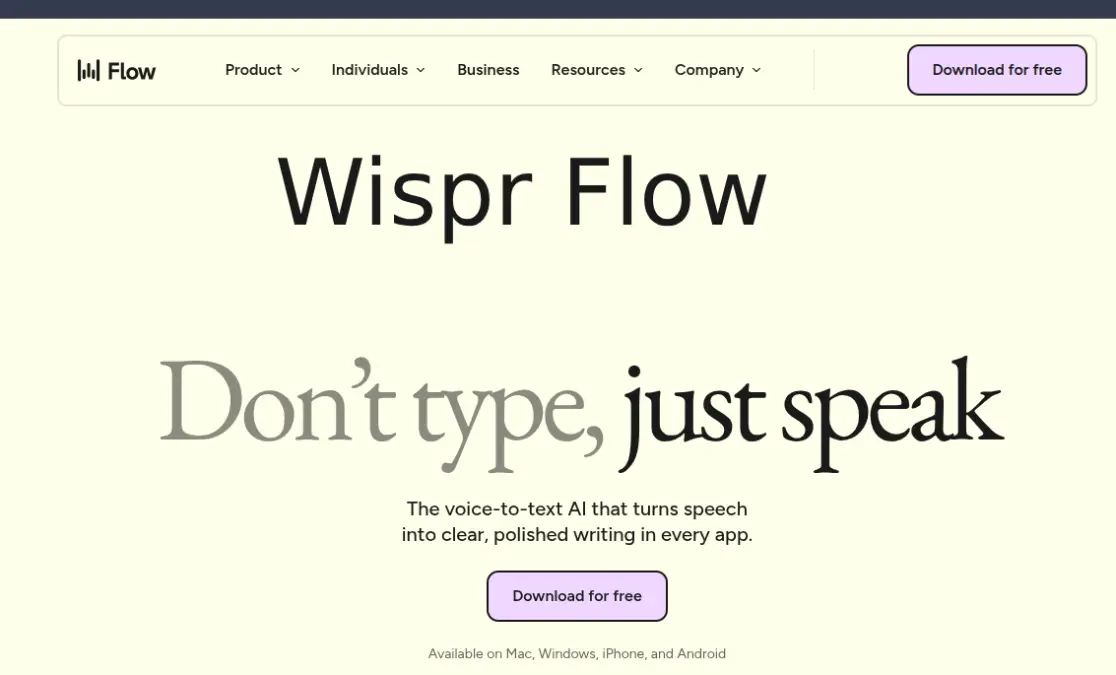
If you‘re still doing all of your typing by hand, you haven‘t embraced the future yet: Wispr Flow, an artificially intelligent voice input tool, turns your spoken words into clean, well formatted copy (whether it‘s in Gmail, Slack, Notion, WhatsApp, over 70 other apps at once) instantly, as you‘re speaking. I‘ve been sitting with it long enough to know that it‘s not just faster than your phone‘s built-in microphone it‘s smarter.
What is Wispr flow and how does it work?
Wispr Flow: (System-wide microphone input for all applications) is a layer of voice input that runs on top of every application on your computer. You press a hotkey and natural language results appear in rich text directly in the application in focus, avoiding copy-paste or tab switching.
But now the intriguing bit. It does not just record speech but it also reason through it! It factors in context, ignores “uh..”, “umm” etc, tackles self-corrected text (“5 pm. No wait 6 pm” appears as “6 pm”), and can tone adjust depending on the app (more casually in Gmail, more formally in email). This is kind of AI-aware formatting, and not simple speech-recognition.
As far as my experience went, there is almost a signal jump in speed. Like average typist hitting the 30-35 WPM range, you can easily push to the 100+ WPM with Flow and its clear within the first hour of operation.
My Wispr Flow Setup: What I Use It For
I use Wispr Flow primarily for three things:
- Preparing lengthy AI prompts talking context is so much faster than typing it.
- Email responses fast, neat, complete(mod)
- Notes and documentation capture ideas without disrupting flow
Eventually I found that it started mastering my vocabulary, short cuts and syntax. The intelligent learning approach is genuinely effective, early adjustments actually produce better results in the long run.
How to Use Wispr Flow (Quick Setup)
Getting started takes under 5 minutes:
- Get the app for Mac, Windows, iOS, or Android
- Choose your activation hotkey
- Add your own words (names, technical words, brands)
- Begin to speak anywhere, into any text box
- No complex configuration needed. Just works out of the box for most people, a rare thing for a tool of this power.
Is Wispr Flow Pricing Free?
| Plan | Price | Words/Week |
|---|---|---|
| Free | $0 | ~2,000 |
| Pro | ~$12–15/month | Unlimited |
| Enterprise | Custom | Custom + Compliance |
Is it worth it?
If you‘re in email, docs or AI tools for hours a day – yes. If you just dictate once in a while, your OS‘s inbuilt microphone will probably do the trick.
The users of Wispr Flow are not well known but are thought to range from consumers to professionals. Consumers will use Wispr Flow with the help of a professional to aid to a specific problem while professionals will use it for diagnosis or to do research.
Flow throughout ~70 apps in the course of six months. Not a side tool now it is the primary input method.
Best fit for:
Solopreneurs and founders living in email, Slack, and docs
People writing longer prompts to LLMs or documentation and providing the previous models Fast writers those who‘ve gone so far in the game that they think faster than they type
Remote working teams ready for rapid, hands-free documentation
A little less compelling if using for an offline-first workflow or for those who feel a little nervous about any cloud audio processing all of the transcriptions will require an internet connection, which is the tool‘s largest structural hurdle.
How Safe Is Wispr Flow?
Processing exclusively in the cloud entails sending your audio and screen context to Wispr servers. This is acceptable for most users. Enterprise users have SOC 2 and HIPAA coverage. Standard (independent users) using Wispr in a sensitive project should read privacy policy in detail before signing up.
One thing I saw was that even when you have nothing being done the app uses around 800MB RAM. This is fine on newer hardware. As for others, it will be fighting for RAM.
Wispr Flow vs. Built-in dictationwhat is the real difference?
Built in OS dictation is free and can work without the cloud. Wispr Flow costs money and requires the cloud. However that is missing the point. Native dictation yields you just transcription. Wispr Flow is much more – it produces your thinking. It interprets, cleans and adapts.
For a solopreneur or developer sending 200 notes and docs a day, that‘s a huge gap. For someone dictating one note a week, that‘s not.
The Bottom Line
Wisper Flow is one of the most usable AI productivity tools for determined 18–35 workers who spend the weekdays in text-filled work processes. I would even consider it by your browser and your code editor. That‘s how much integrated into everyday use once you are addicted.
Begin with the free tier. Reach the 2,000 words (you will) then think.
Read more: What Is Morise.ai And Why Are YouTube Creators Saying Something About It