The Difference between Free vs Paid AI Tools: Which Ones Are Worth It in 2026
Free vs paid AI tools is the dilemma every creator faces the moment they run out of their initial free trial. The space has divided itself into two industries: free tools that provide you with 80% of what you need, and paid tools that offer the remaining 20% – better quality, faster exports, no watermarks. The issue arises in discerning which 20% you need in order to justify the subscription. Below, 9 categories of tool types dissected side-by-side with one free option and one paid option listed for each so you can construct a stack to suit your budget – not your FOMO. For hands-on reviews of individual tools beyond these nine, Tech360d’s AI tools archive is a good next stop.
Free vs Paid AI tools: What are the actual distinctions?
The separation is no longer about getting access to smarter models. As this breakdown of free vs paid AI tool tiers points out, free plans of Claude and ChatGPT operate near equivalently robust models that paid users access — the distinction lies solely in usage constraints, not cognitive power. The true divide is in the granularity of the output, the rate of generation, image resolution, and the productivity automation the tool provides. Free utilities are sufficient for concept testing; paid utilities are valued once output quality and timeliness influence their tangible effects.
| If you’re a… | Pay for this category first | Why |
|---|---|---|
| Content creator / influencer | Video Generation or Video Editing | These touch every post you publish |
| Marketing agency | Writing & Copywriting | Volume and brand-voice consistency scale fastest here |
| Musician / podcaster | Music Generation or Voice Generation | Free tiers can’t deliver publishable, licensed audio |
| Course creator / educator | Avatar Creation | Multi-language avatars replace re-filming entirely |
| Solo designer / freelancer | Design Creation | Canva’s templates save the most hours per week |
1. Avatar creation. HeyGen or Hedra
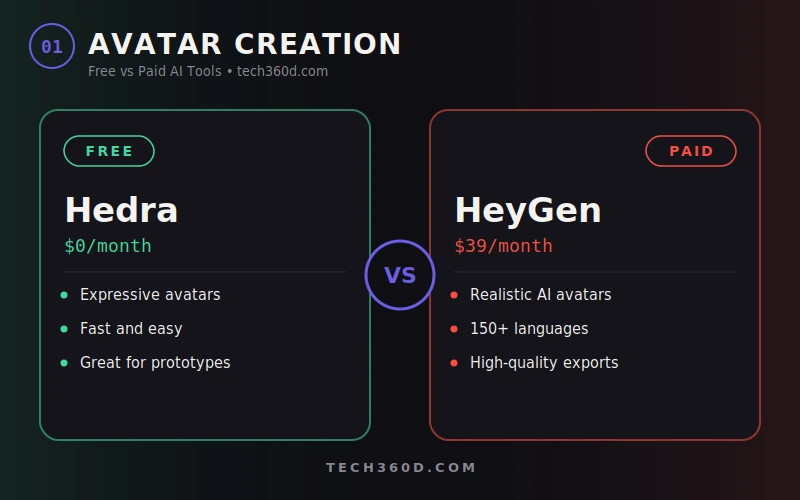
HeyGen ($39/month) produces convincing AI avatars in more than 150 languages and with high-resolution exports designed for people making large quantities of talking head videos, course material, and localized advertising. Tech360d’s own hands-on walkthrough of creating AI avatars and videos with HeyGen covers the setup process in more detail if you want to see it in action before subscribing Hedra is free and handles expressive Avatars quickly so it’s the ideal choice for the latter situation.
2. Image Creation: Midjourney vs Nano Banana
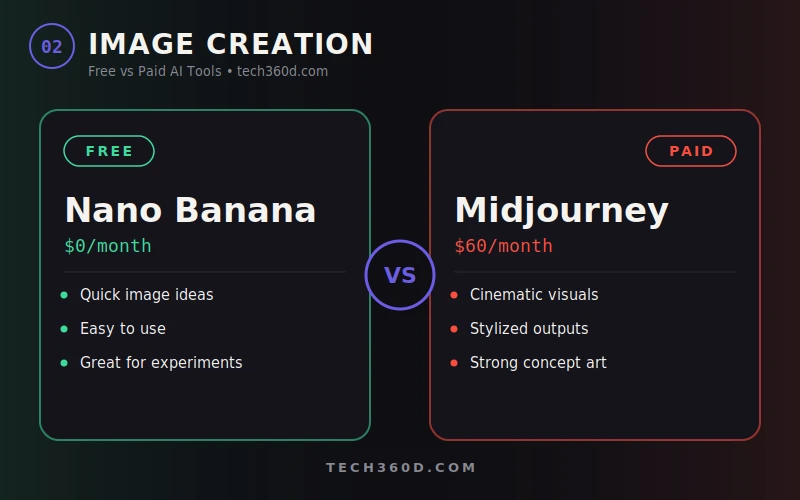
Midjourney ($60/month) remains the gold standard for cinematic, stylized images and great concept art if images are a major part of what you want to deliver, this is the only one to invest in. Nano Banana is free and can handle quick image concepts sufficiently; it‘s designed for experimentation and not outputs that you‘re going to pop in front of a client.
3. Cinematic Creation: Runway ML vs Stable Diffusion
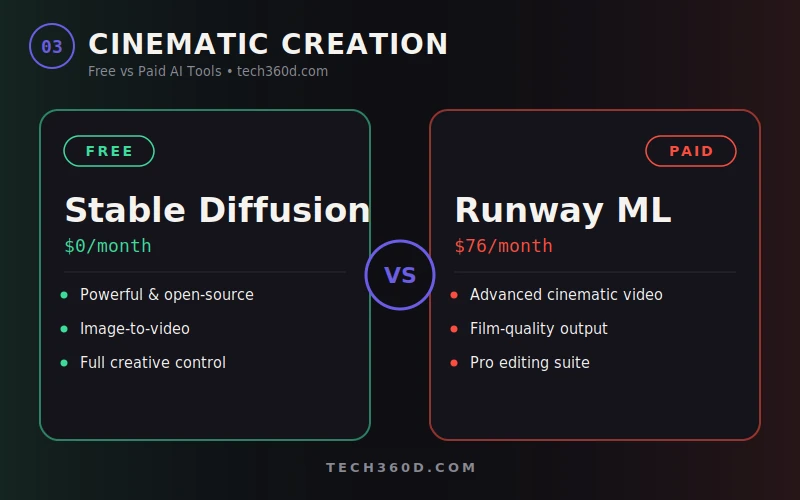
Runway ML ($76/month) Also does advanced cinematic video generation and is the more expensive of this list for good reason intended for those creating real film quality results. Stable Diffusion as noted earlier free, open source, great for image-to-video, but the tradeoff is that‘s going to take more learning.
4. Generation of the video: Higgsfield vs Hailuo
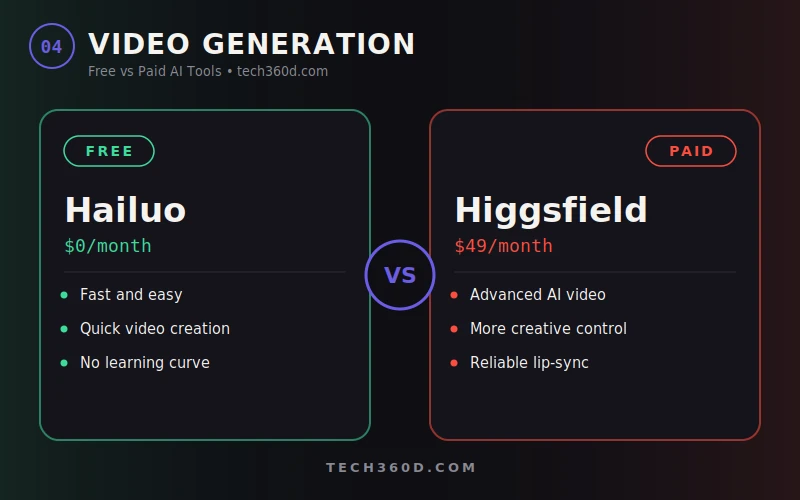
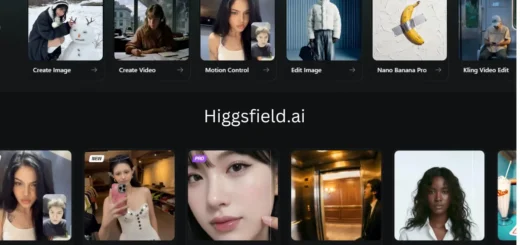
Higgsfield ($49/month) is designed for powerful AI video creation with greater artistic freedom. Hailuo (free) is a quick and simple application for simple video making a good way to test the waters before forking out for a paid program.
5. Designing Creation: Canva vs Lovart
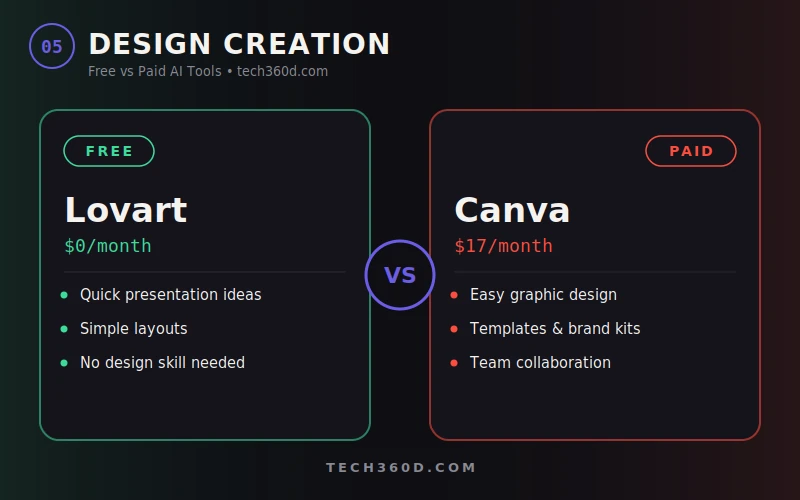
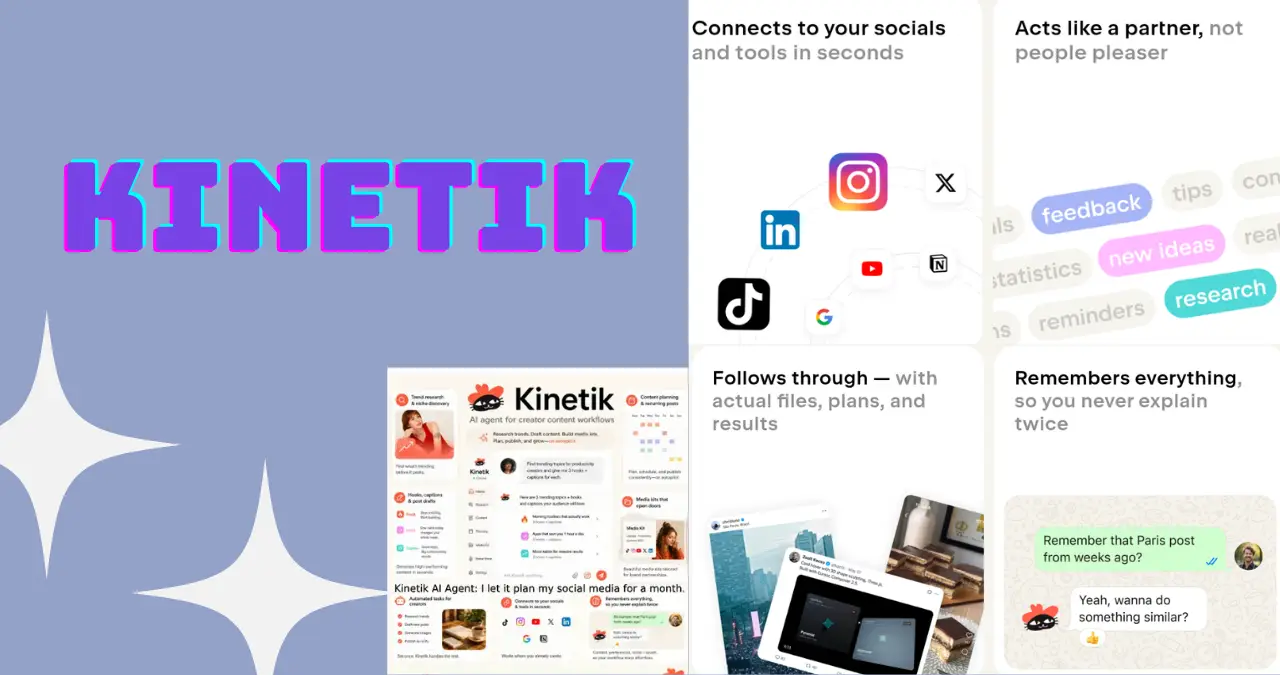
Canva Pro ($17/month) is still the best route for creating graphics when you don‘t have a design background templates, — templates, brand kits, the works, and it slots straight into the kind of monthly content workflow Kinetik’s AI agent handles for social media planning. Lovart is free and good for rapid-fire presentation concepts, but won‘t stand in long-term for brand centric work.
6. Video editing: CapCut vs Edits
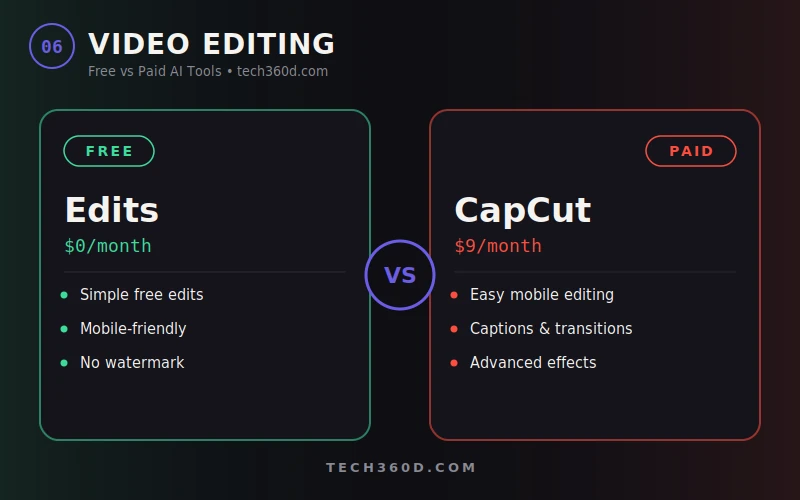
Cap Cut ($9/month) is the most affordable paid option on this list and really easy to do mobile editing in captions, transitions, effects, it all fits in one application. Edits can do the basics, but doesn‘t offer as many of the more complex Cap Cut tools.
7.Voice Creation: ElevenLabs vs MiniMax.
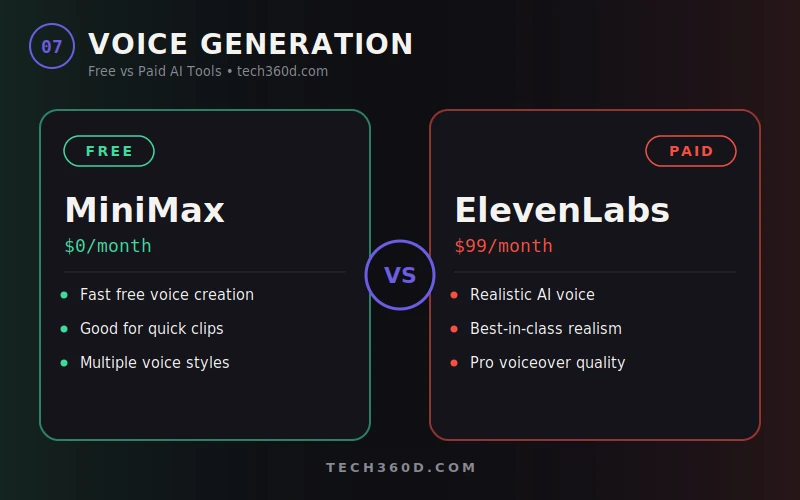
ElevenLabs, at $99/month, costs the most but that‘s only because it offers a true step up in realism this is your option to actually pay for if text-to-voice quality counts toward your end product. MiniMax is free and offers the quickest turnaround of voices for less serious applications.
8.Writing & Copy writing: Jasper AI vs ChatGPT
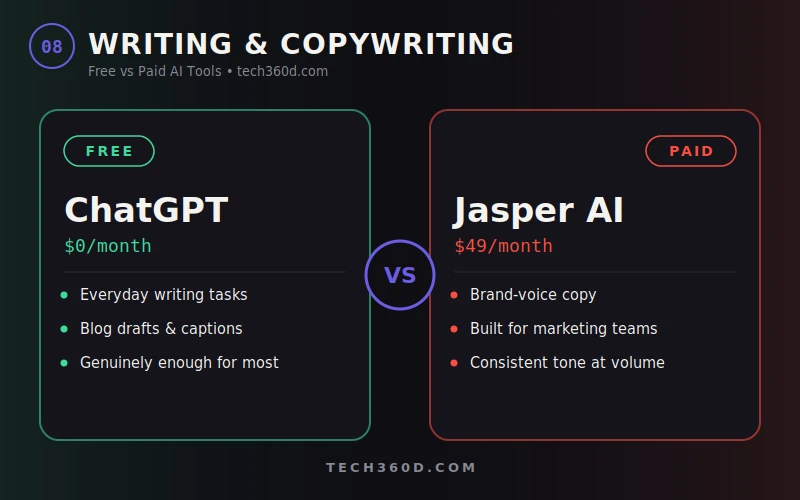
For example, Jasper AI is more suitable for long copy content, and ChatGPT is better at asking questions and conversational language.
Jasper AI ($49/month) is designed for creating significant amounts of marketing copy that fits your brand voice; invaluable if you’re also creating content across multiple channels and concerned about consistency of tone. The free tier of ChatGPT will meet most daily writing needs, such as blog outlines or social media captions, and for many creators, that really is all they need. If typing itself is the bottleneck, Wispr Flow turns spoken words into clean, formatted copy across Gmail, Slack, Notion, and dozens of other apps — worth a look before you assume the fix is a bigger writing subscription.
9. Music Generation: Suno Pro vs MusicGen
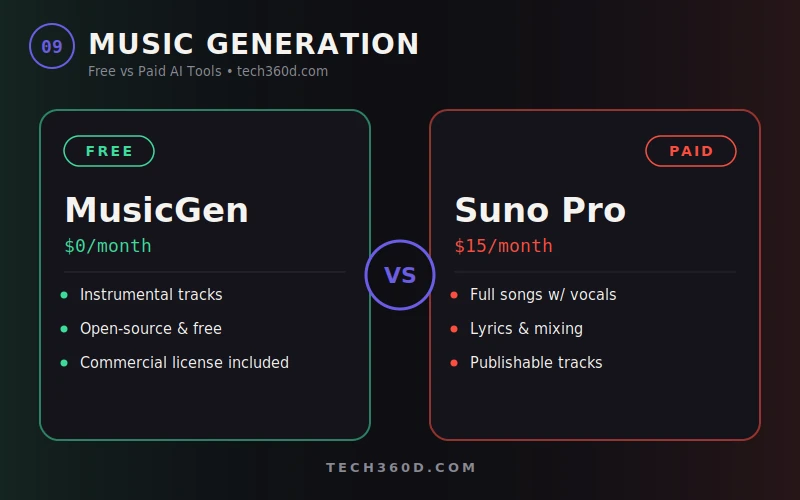
Suno Pro (only 15$/month) the $15/month version of Suno Pro which create ‘song full’ (full vocals, lyrics, mix). This would be the choice if someone would like to get a finished, publishable song; Meta‘s free opened model MusicGen which creates a good instrumental track but nothing else, commercial license attached , though this comparison of free vs paid AI music tools points out it’s instrumental-only — no vocals or lyrics.
Free vs Paid AI Tools: Quick Comparison Table
| Category | Free Tool | Paid Tool | Price | Worth Upgrading If… |
|---|---|---|---|---|
| Avatar Creation | Hedra | HeyGen | $39/mo | You need multi-language, client-ready avatars |
| Image Creation | Nano Banana | Midjourney | $60/mo | Images are core to your brand output |
| Cinematic Creation | Stable Diffusion | Runway ML | $76/mo | You’re producing film-quality video |
| Video Generation | Hailuo | Higgsfield | $49/mo | You need more creative control over output |
| Design Creation | Lovart | Canva | $17/mo | You publish graphics regularly |
| Video Editing | Edits | CapCut | $9/mo | You want advanced mobile editing features |
| Voice Generation | MiniMax | ElevenLabs | $99/mo | Voiceover realism affects your final product |
| Writing | ChatGPT (free) | Jasper AI | $49/mo | You need brand-voice copy at volume |
| Music Generation | MusicGen | Suno Pro | $15/mo | You need vocals, lyrics, and finished tracks |
What It Costs If You Go All-In
Stacking all paid tools on this list costs roughly 413$/month nobody should have to pay that. Here‘s the difference between going all free and all paid:
| Stack | Monthly Cost | What You Get |
|---|---|---|
| All 9 free tools | $0 | Solid for testing, prototyping, and casual/non-commercial use |
| All 9 paid tools | ~$413 | Production-grade output, no watermarks, priority speed, commercial licenses |
| Realistic mixed stack (2-3 paid) | $50-150 | Paid where quality matters most, free everywhere else |
Most creators sit in that third row. Choose one or two of the highest-leverage priorities from the table above, and pay for those; keep the rest free until they are stopping you.
Which is it are you going to pay for it?
Well, first we should note that either way, you the reader are the each pay for every one of the above examples. As I mentioned before, this is because we of course do not own and are not^each^directly^paying for any of these things; we are in fact paying for everyone else who consumes them.
Once you‘ve decided on the level: a guiding rule of thumb is that if you can save one hour per month at your bill rate that pays for the subscription, then you are better off on a paid plan. Otherwise, you will want to wait until your work activity justifies the expense, regardless of how long it takes to get there.
FAQs.
Are free AI tools really functional for a commercial project?
It depends on the tool see the Terms before publishing. Certain free editions (MusicGen, for example) offer commercial licenses; others only allow commercial use under paid plans.
Is it sensible to pay for more than one AI source?
Unless each one is working on a distinct task in your process. Using multiple subscriptions within some categories that you don‘t require can eat away your budget quickly begin with one upgrade that charges you and gradually add more once it has shown promising results.
How do I tell when I don‘t need a paid account?
Look for the same three indicators in each “canvas”: you reached your limit of usage in the middle of a task, the output quality is limiting the number of articles you can publish, or you‘re spending more time trying to work around the limitations than the subscription costs.